GLDF Editor
Introduction
The GLDF Editor is a web-based application developed by RELUX to create, edit, and validate GLDF files. This tool allows you to enrich your product data with all the information required for modern lighting design, BIM processes, and integration into planning software such as DIALux or RELUX. You can start a project from scratch or upload existing GLDF files to modify or verify them.
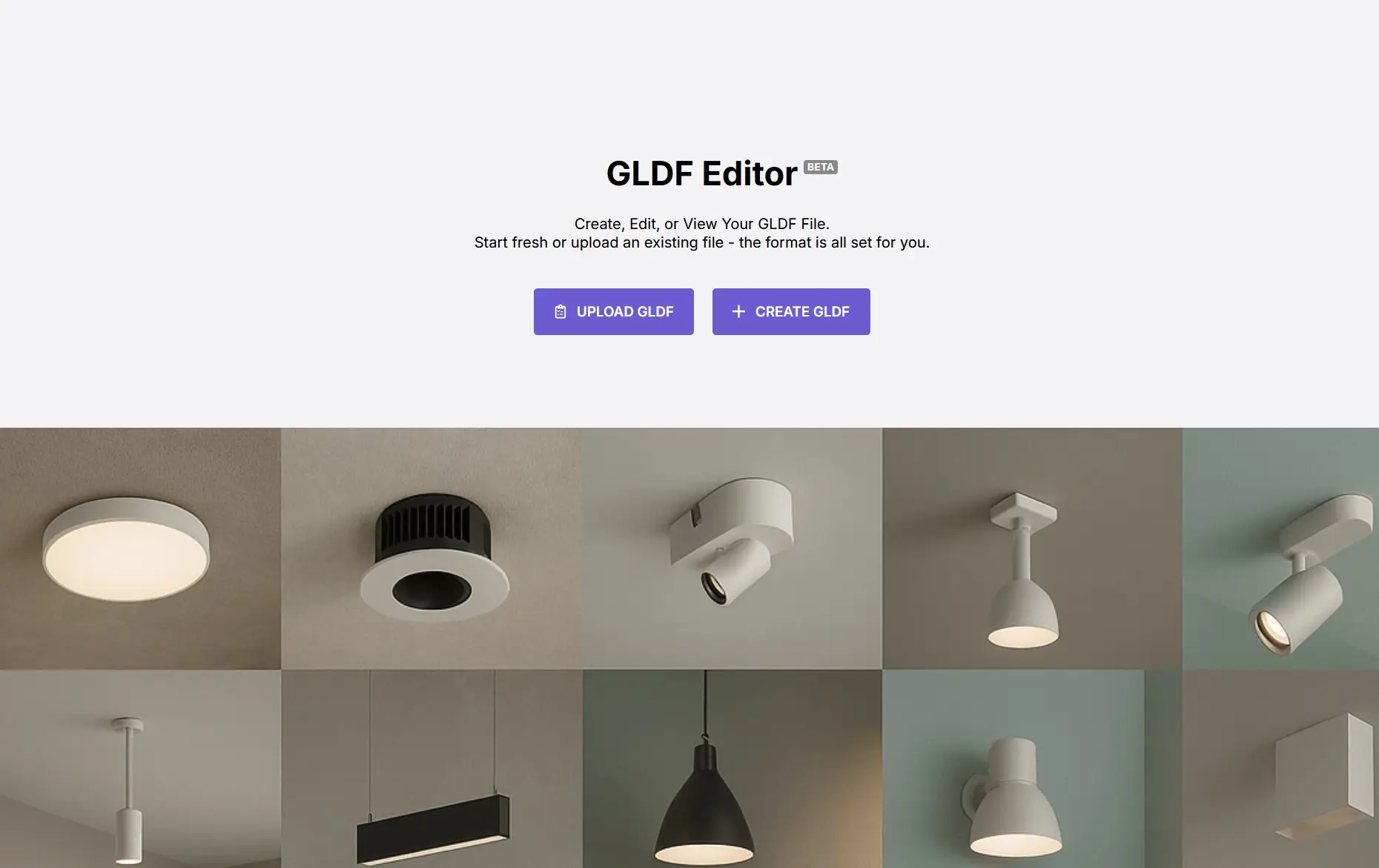
Editor Sections and Data Management
The interface is divided into logical modules to ensure a step-by-step preparation of your data:
- Product Overview & Description: Manage core master data such as GTIN, product numbers, and mounting types. This section also allows you to maintain multilingual product descriptions (e.g., German and English) using an integrated rich-text editor.
- Product Attributes: Define the physical and technical properties of your luminaire. This includes mechanical aspects (IK rating, dimensions, weight) as well as electrical specifications (IP code, power factor).
- Photometry & Emergency: Handle lighting technical values such as luminous flux (lm), color rendering (CRI), color temperature (K), and efficiency. Additionally, you can configure emergency lighting behavior and durations here.
- Files (Asset Management): The editor acts as a container manager. You can upload and link all associated files, including photometric data (LDT/IES), product images, 3D geometries (L3D), spectra, and PIR sensor data.
- Contact & Licensing: Store manufacturer contact information and specific license keys for DIAL and RELUX to ensure correct identification and assignment within the lighting design ecosystems.
Finally, the editor provides integrated validation to ensure that the created file complies with the current GLDF standard and can be exported without errors.
Feedback
We are happy to get your feedback, failure reports and wishes. You can contact RELUX at info@relux.com.